Choosing a labeler
Many behaviors of vLabeler depend on customizable labelers. A labeler defines how vLabeler reads, displays, and
writes a certain type of label files. When creating a project, you first need to choose the labeler that matches
your target software. See Labelers for more details about the concept.
Currently, the followings are provided as built-in labelers:
Working on UTAU oto.ini
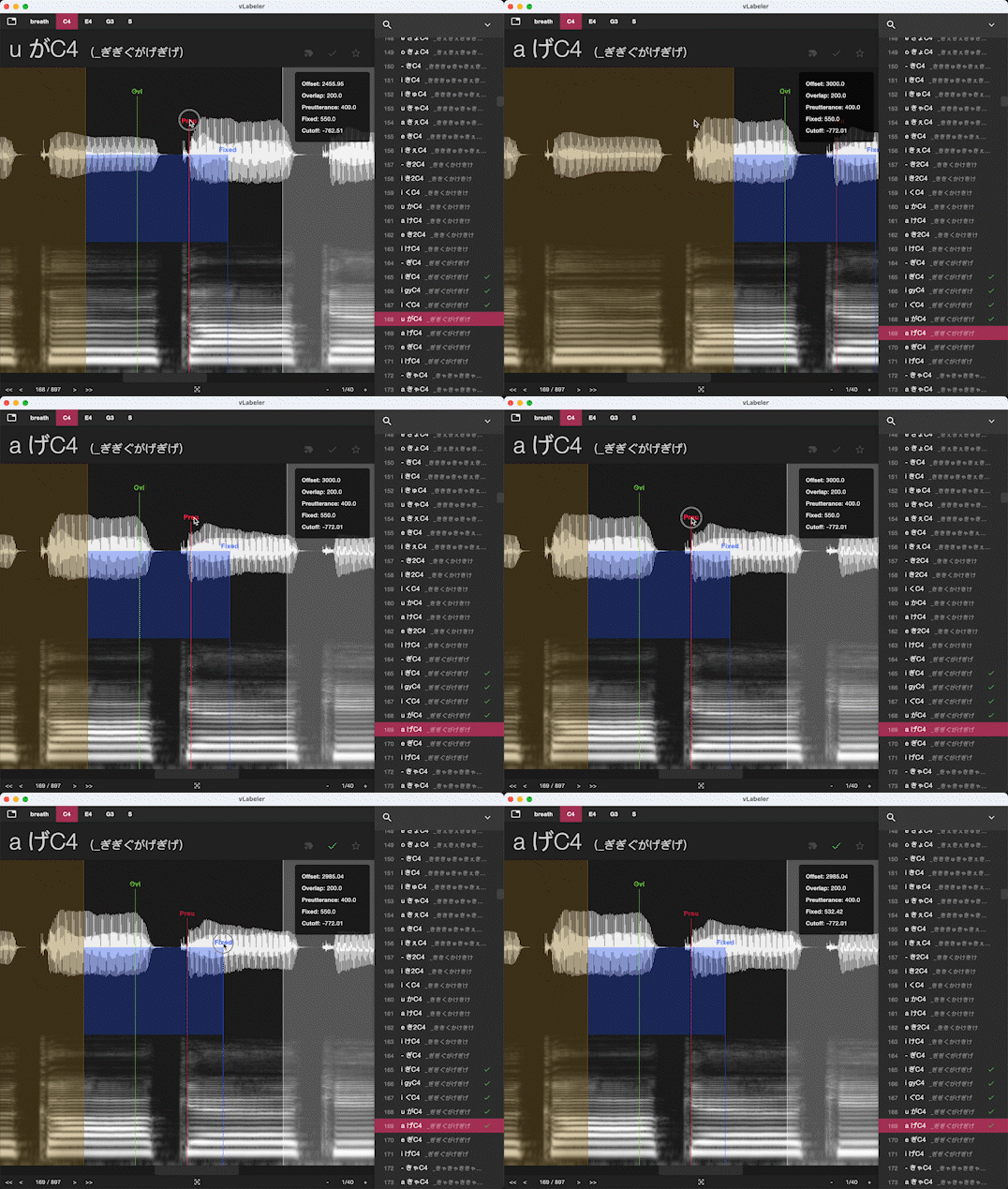
For UTAU oto editing, there are two items in the built-in labeler list:
-
UTAU oto labeler
If you only want to edit one
oto.inifile, please use this labeler. -
UTAU singer labeler
If you want to edit multiple
oto.inifiles under a singer voicebank, please use this labeler. Please set the singer's root folder (which usually contains acharacter.txtfile) as theSample Directorywhen you create the project.
Working on audio labels
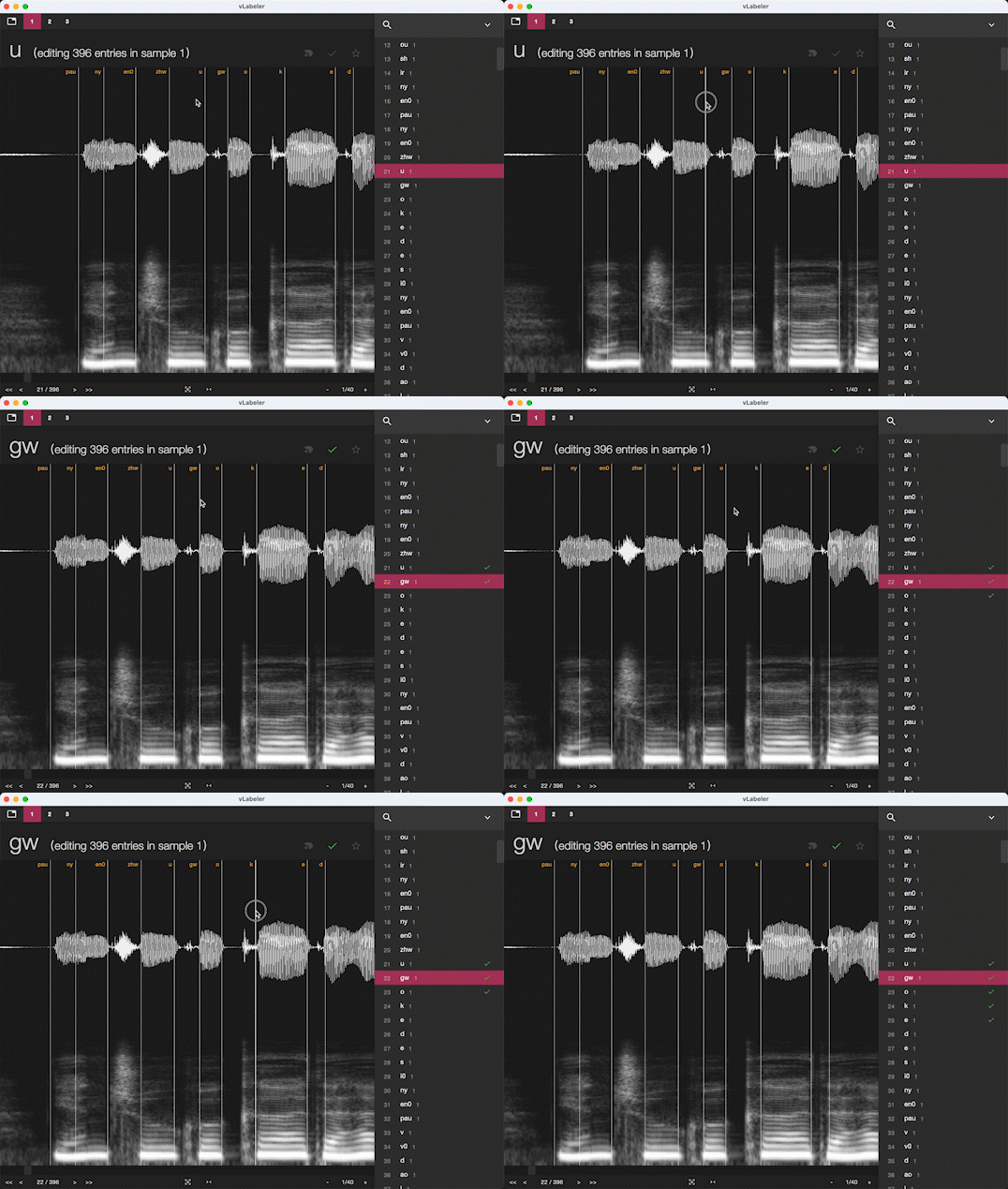
For label files used in NNSVS/ENUNU and similar systems, the following options are available now:
-
Sinsy lab labeler
This labeler is for Sinsy (NNSVS/ENUNU) lab files, which uses
100nsas the time unit and usefoo.lab, the wav file namedfoo.wavwill be selected from theSample Directory. -
Audacity labeler
This labeler is for
Labelsfile created by Audacity, which usessas the time unit and use\t(tab) as the separator. It only accepts one label file per project. A wav file is bound to the label file by the file name, e.g., if the input label file isfoo.txt, the wav file namedfoo.wavwill be selected from theSample Directory. -
NNSVS singer labeler
This labeler is basically the same with the
Sinsy lab labeler, but it can handle multiple label files. Typically, if you have the following file structures:- singer- wav- 1.wav- 2.wav- lab- 1.lab- 2.labyou can create a project containing all the label files by setting
Sample Directoryto thesingerfolder. You can change thewavandlabfolder names in the labeler's settings.
Other labelers (not built-in)
- TextGrid labeler (for Praat TextGrid files): GitHub